- 100 % free
- No upload
- Open source
Remove image backgrounds. Free, private, full resolution.
An AI cuts your subject out in seconds, right in your browser. New background, eraser brush, batch processing and full-size download: no account, no credits, no watermark.
or drop them here, or paste with Ctrl + V. Several at once work too
Your pictures are never uploaded: the AI runs on your device
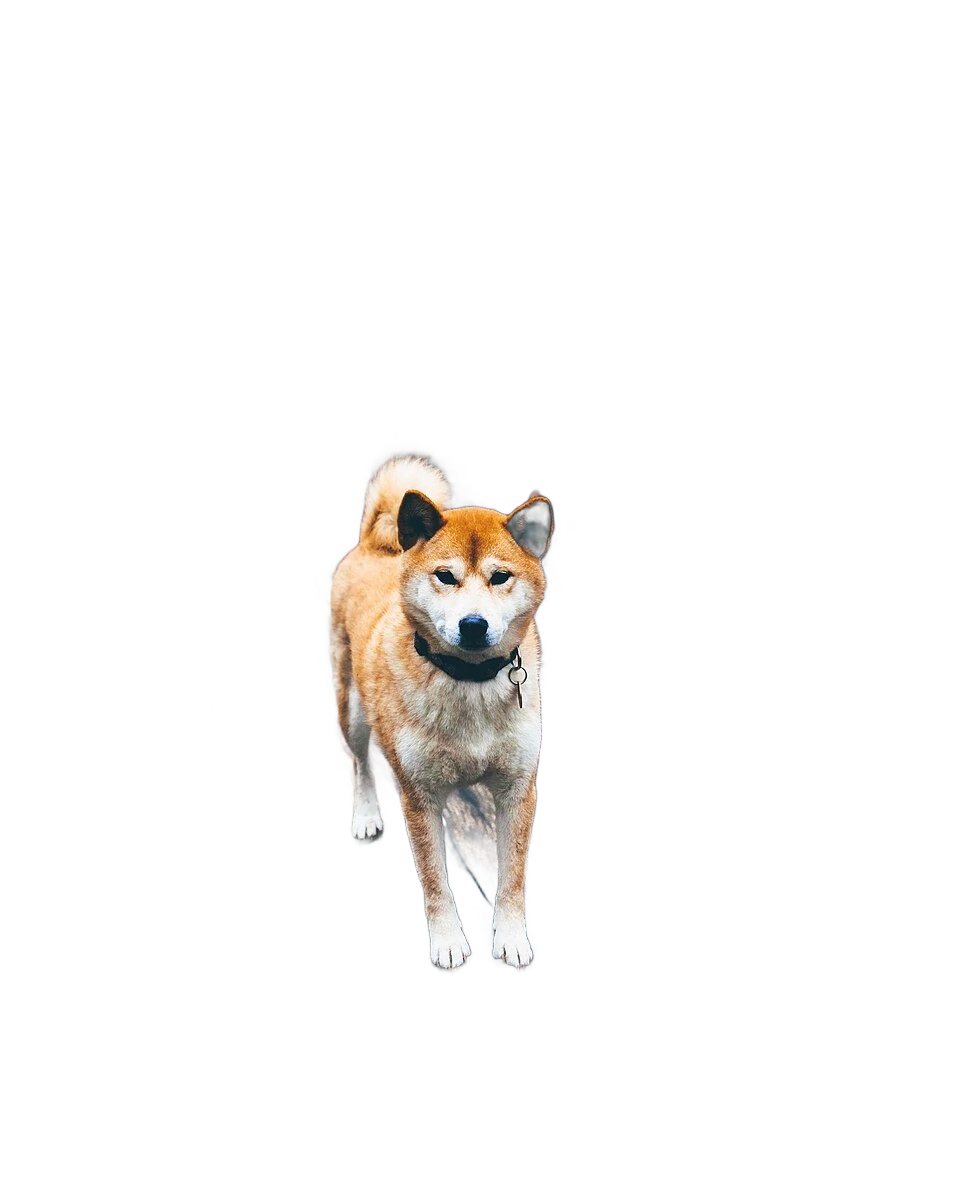
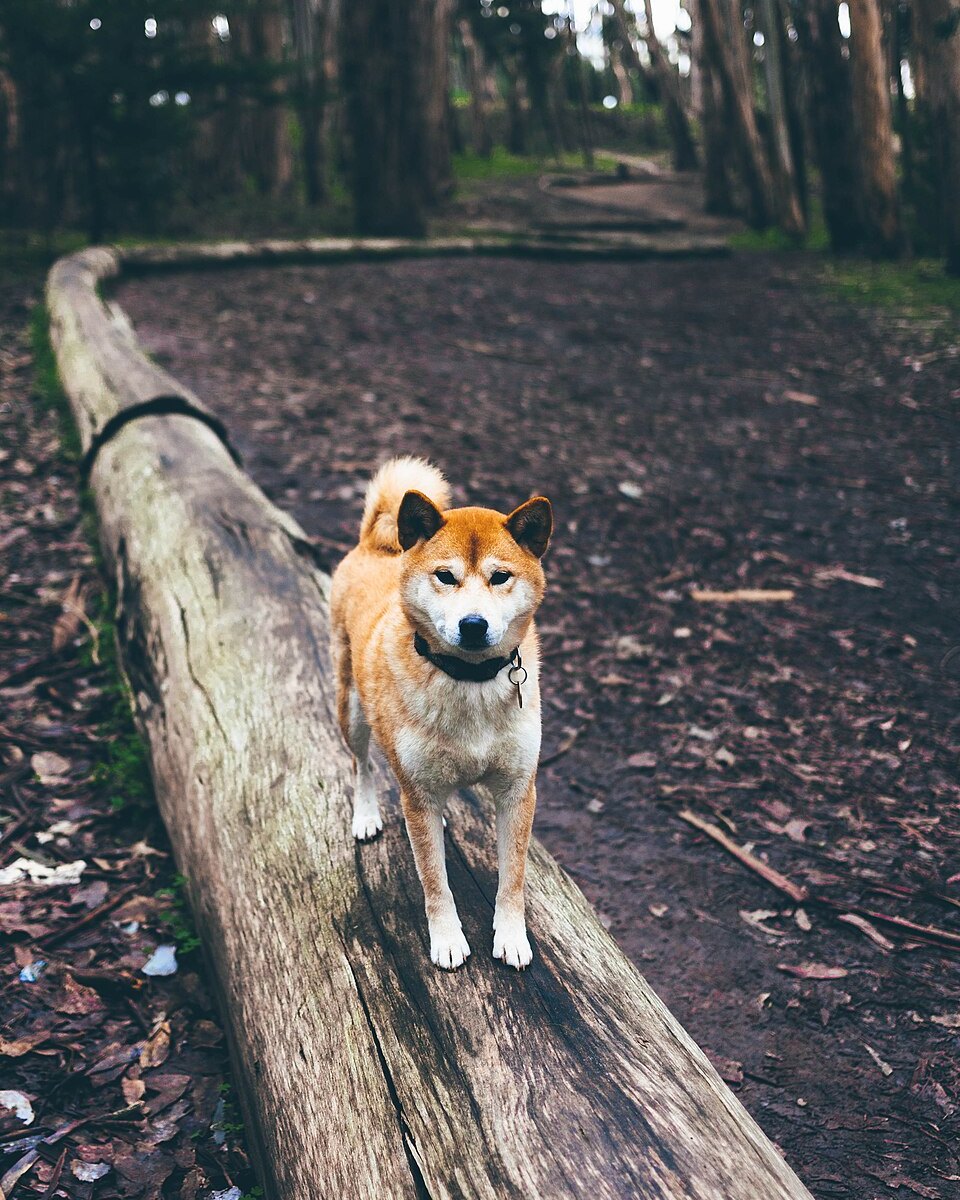
- 100 %
- free, without credits
- 0
- pictures uploaded
- 25 MP
- full-resolution downloads
- 0
- accounts to create
A transparent background in three steps
No sign-up, no setup: open the page and drop a picture
Drop your images
Choose, drop or paste one or several pictures: PNG, JPG, WebP, AVIF, GIF or BMP, up to 25 megapixels each
The AI cuts the subject out
A segmentation model finds the person, the animal or the object and removes everything around it, on your graphics card or your processor
Adjust and download
Pick a new background, fix details with the brush, then download in full resolution as PNG, JPG or WebP, or everything as a ZIP
Everything you need, nothing to pay
The tools of a paid background remover, running on your own device
AI cutout
People, animals, products, cars, objects: the IS-Net model keeps fur, hair and fine details
New background
Keep it transparent, or pick a color, a gradient, one of your own pictures or the original blurred
Erase and restore brush
Remove what the AI kept or bring back what it removed, with zoom, undo and redo
Batch processing
Drop dozens of pictures at once: they are processed one after the other and downloaded as a single ZIP
Full resolution
The download has the size of your original, up to 25 megapixels. No low-resolution preview, no watermark
PNG, JPG, WebP
Transparent PNG or WebP, JPG with a background, or copy the result straight to the clipboard
Works offline
Install it as an app: once the AI model is downloaded, no connection is needed any more
Open source
MIT-licensed code on GitHub, models under free licenses. Read it, host it, improve it
One cutout, any background
Product photo on white, profile picture on a color, visual for a post: change the background in one click and compare live. The same choice applies to every picture of a batch.
Try it now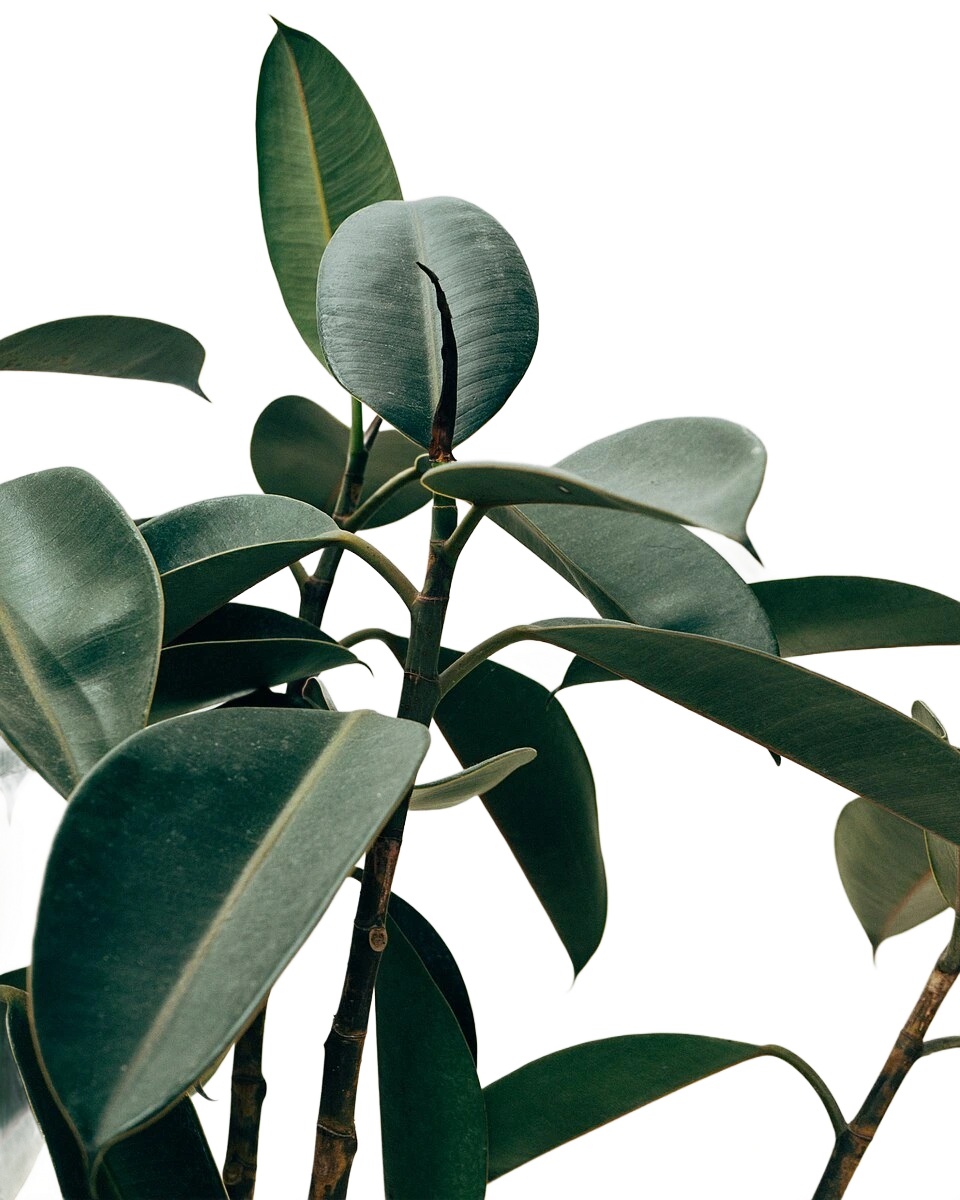 Transparent
- Color
- Gradient
- Your picture
What online background removers charge for
Most of them work the same way: your picture goes to their servers, and the full-size result costs credits
| FreeRemoveBg | Online removers | |
|---|---|---|
| Full-resolution download | Yes | Paid |
| Unlimited pictures | Yes | Paid |
| Batch processing | Yes | Paid |
| Works without an account | Yes | Sometimes |
| Pictures stay on your device | Yes | No |
| Works offline | Yes | No |
| Open source | Yes | No |
General comparison with online background removal services at the time of writing; offers vary from one service to another.
Your pictures stay yours
ID photos, family pictures, unreleased products: nothing is sent anywhere, because there is nowhere to send it. The whole tool is a web page that computes on your device.
- No upload: pictures are read, cut out and saved by your browser, in memory
- No account, no e-mail address, no payment
- No cookies, no analytics, no ads; the server keeps no access logs
- Verifiable: a strict security policy forbids the page from contacting anything but this site and the model's host
An open AI model, on your device
The model is downloaded once from Hugging Face, kept by your browser, and then runs locally
IS-Net
Xuebin Qin et al. · Apache-2.0 · 179 MB
A general-purpose segmentation model for highly accurate cutouts (Dichotomous Image Segmentation), trained to follow thin structures
Graphics card (WebGPU)
Used whenever your browser offers it: about a second per picture
Processor (WebAssembly)
The automatic fallback, on every browser: a few seconds per picture, same result
Browsers
- Chrome / EdgeFull
Graphics card (WebGPU), installable as an app
- FirefoxFull
WebGPU on recent versions, processor otherwise
- SafariFull
WebGPU from Safari 26 on Mac, processor otherwise
- Android / iOSLimited by memory
Works on recent phones; very large pictures may run out of memory
Frequently asked questions
Is FreeRemoveBg really free?
Yes. There are no credits, no subscription, no watermark and no limit on the number or the size of downloads. The computing is done by your own device, so each picture costs nothing to run, and the code is open source under the MIT license.
Is it an alternative to remove.bg?
Yes. FreeRemoveBg does the same job, removing the background of a picture automatically, with a background editor, an erase and restore brush and batch processing. The differences: it is free in full resolution, it needs no account, and pictures are processed in your browser instead of being uploaded. FreeRemoveBg is an independent project, not affiliated with remove.bg.
How good is the cutout, and at what resolution?
The IS-Net model is used: it handles fur, hair and thin details well on people, animals, products and vehicles. The picture is analysed at 1024 px, then the result is saved at the size of the original, up to 25 megapixels (16 on iPhone and iPad). Hard cases can be fixed with the brush.
Are my pictures uploaded to a server?
No. Pictures are opened, processed and saved by your browser, on your device. The site only delivers the application files, and the AI model is downloaded once from Hugging Face. You can check it in your browser's developer tools: no request carries a picture.
Which formats are supported?
In: PNG, JPG, WebP, AVIF, GIF and BMP, plus HEIC on browsers that can read it (Safari). Out: PNG or WebP with transparency, JPG with a background, or a copy to the clipboard.
Can I process several pictures at once?
Yes. Drop or select as many pictures as you want: they are cut out one after the other, the chosen background applies to all of them, and one button downloads everything as a ZIP archive.
Can I use the results commercially?
Yes. You keep every right on your pictures, and the model used (IS-Net, under the Apache-2.0 license) allows commercial use. You only need the rights on the original pictures.
Does it work offline?
Yes, after the first use. Once the application and the AI model are in your browser's cache, everything runs without a connection. You can also install FreeRemoveBg as an app from your browser.
Why does the first picture take longer?
The AI model (179 MB) is downloaded the first time, then kept by your browser. The following pictures take about a second with a graphics card, a few seconds on the processor.
Remove your first background now
Free, without an account, and your pictures stay on your device.